Morgen Mobile 2.0
New languages, a new design, iPad and iPhone Duo
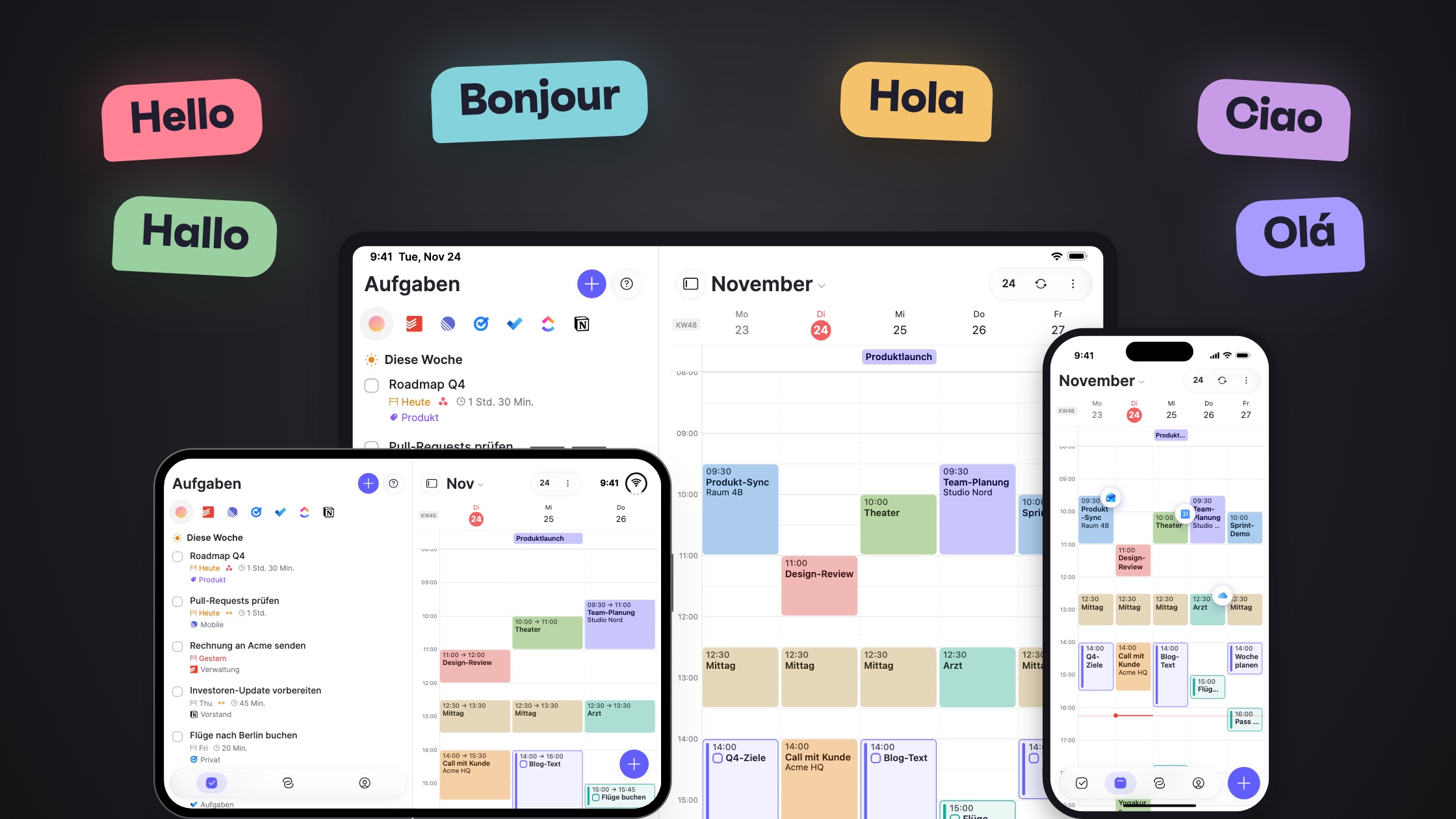
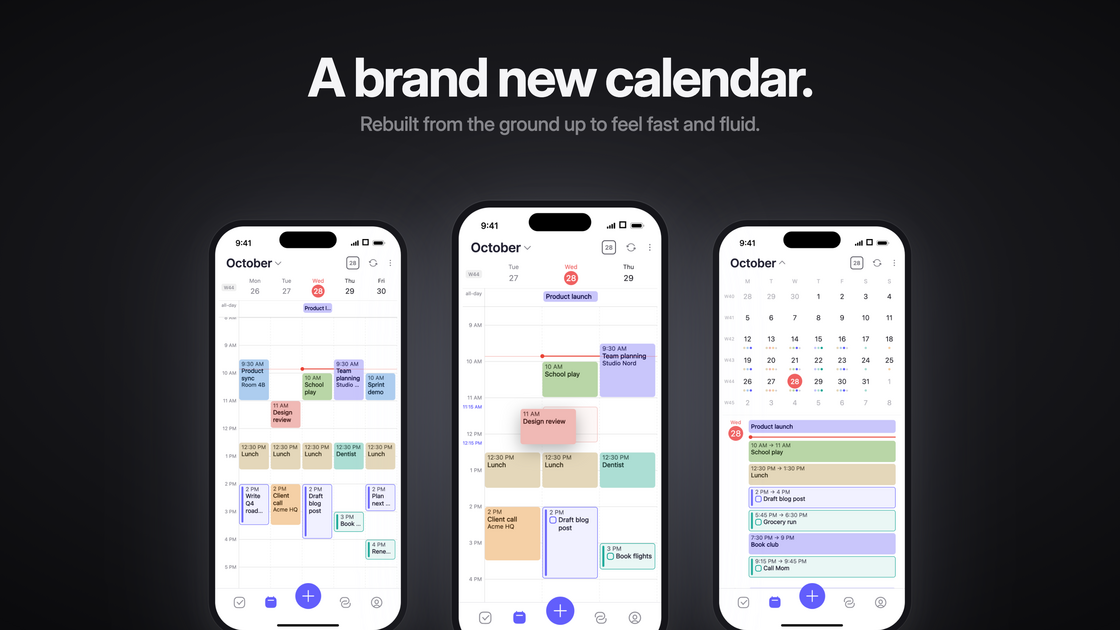
Morgen 2.0 is here. It speaks your language and has a whole new look.
New
Morgen in your language. Morgen now speaks German, Spanish, French, Italian and Portuguese, as well as English. It follows your phone's language, or you can pick one in Preferences.
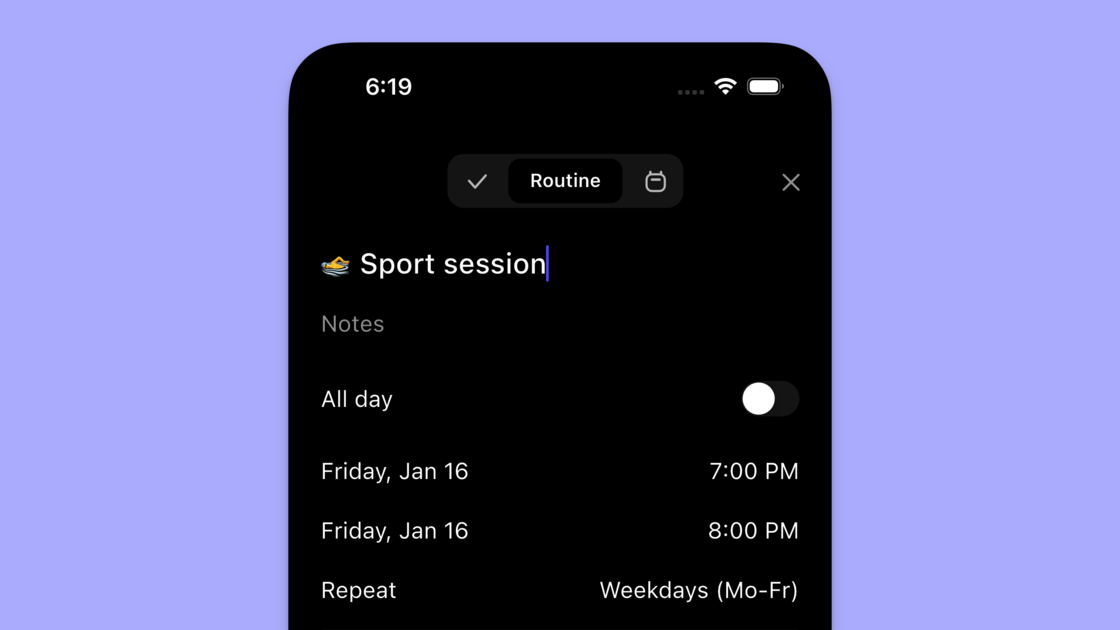
A clean, modern design. One header across the whole app, a new tab bar and sheets that feel at home on your phone.
Made for iPad and tablets. Your tasks sit in a sidebar next to your calendar. Touch and hold a task and drop it on your week to block time for it.
Ready for iPhone Duo. Open it and your tasks sit on one half, your calendar on the other. Close it and your calendar stays on the outer screen.
Improvement
- Pick an event's colour. Coloured events keep their calendar as a line on the left.
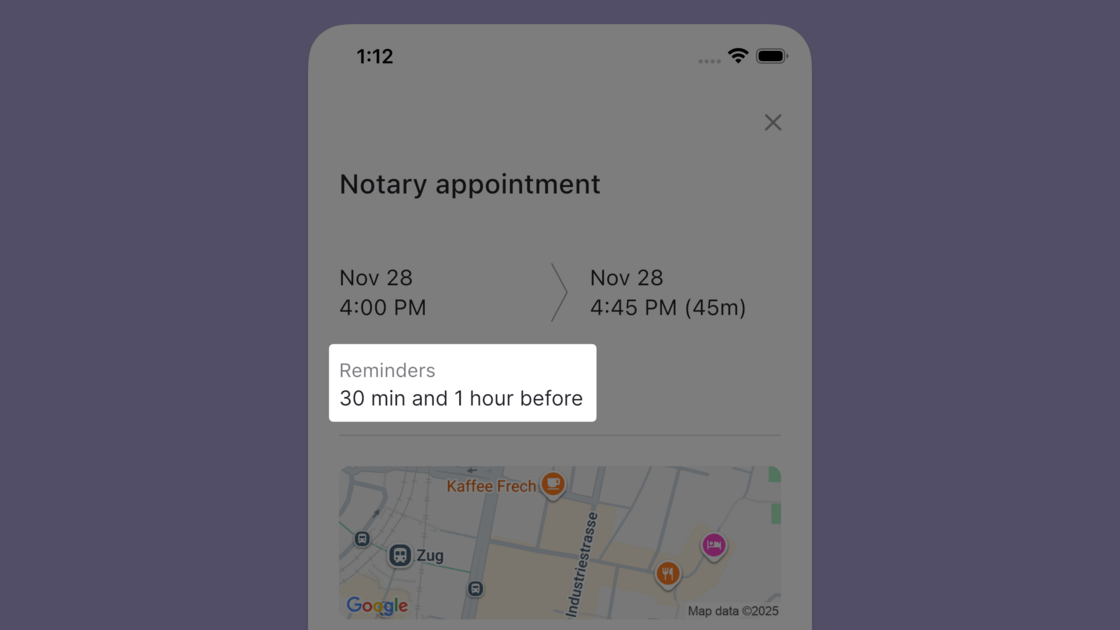
- Edit an event's reminders, and each calendar's default reminders.
- Get directions to an event in Apple Maps or Google Maps, with a default in Preferences.
- Calendars shared with you are listed under their owner.
- The day can end the next morning, as on desktop.
- Scheduling a task after its due date moves the due date with it.
- Completed tasks are dimmed on the calendar once their time has passed.
- Cancelled tasks from connected apps no longer show in your task lists.
- Tasks you create offline show right away and sync when you're back online.
- The widget's Scheduled tasks and Routines setting now hides routines too.
Fix
- The Android widget no longer goes blank because of one bad entry, and shows each event in its own colour.
- A deleted task's sessions leave the calendar.
- A parent task with a subtask no longer shows twice.
- Signing out closes the side menu.
- Many smaller fixes to the all-day band, sheets and menus.